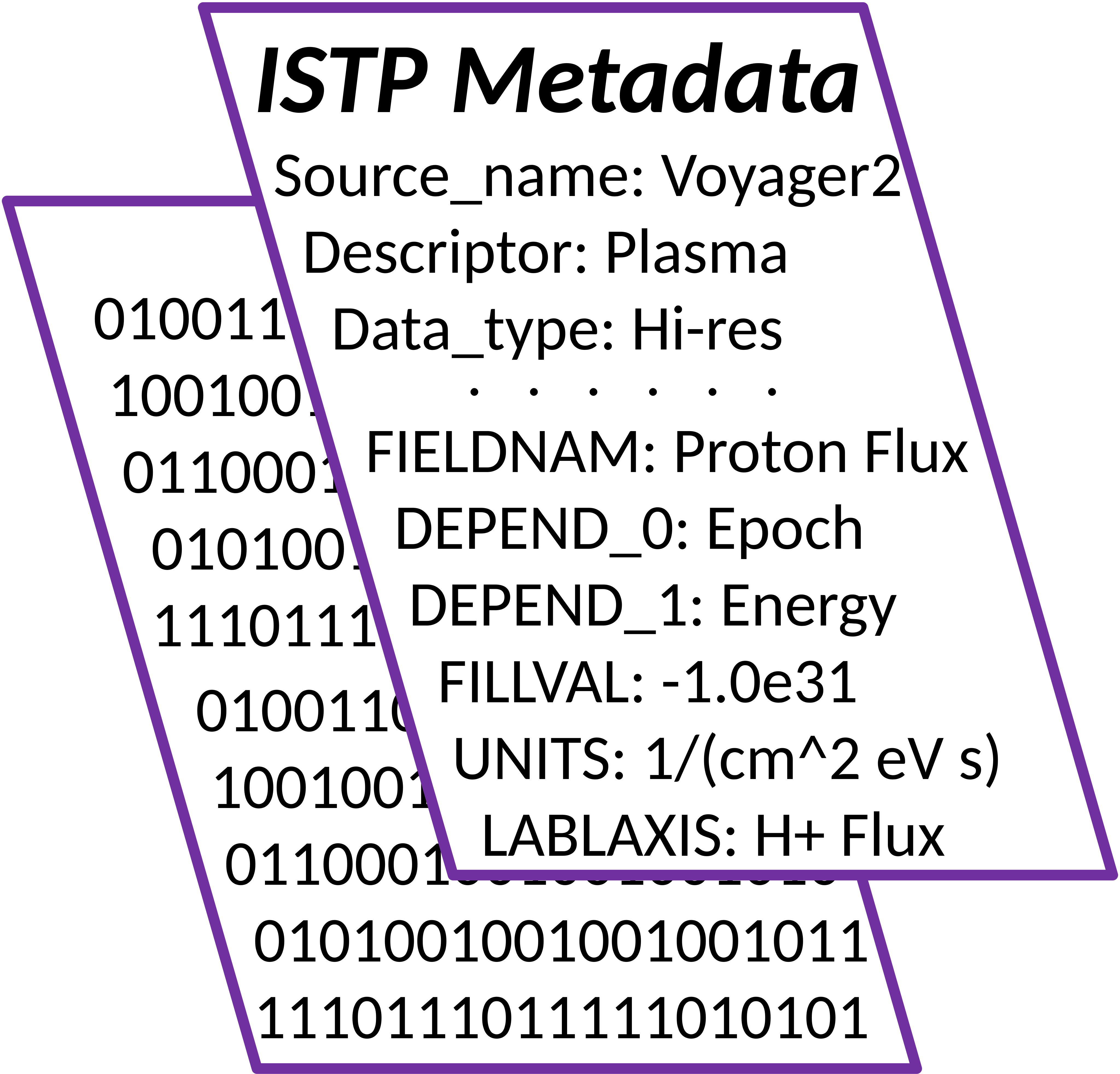
2. Self-Describing Scientific Data Formats
Self-describing scientific data formats are designed to store both multi-dimensional data and the metadata completely describing the data. Examples of self-describing data formats and the corresponding metadata standards include:
FITS in astronomy and solar physics with FITS, SOLARNET, and WCS metadata
NetCDF in atmospheric sciences with Climate and Forecast (CF) metadata, and in Ionosphere, Thermosphere, and Mesosphere (ITM) with ISTP metadata.
CDF in the rest of Heliophysics with ISTP metadata. Also, CDF-A, defined as CDF files with ISTP and SPASE metadata, but without compression or sparse variables, is one of the standard formats (in addition to PDS-3, PDS-4, JPEG) in Planetary Data System (PDS).
ASDF Advanced Scientific Data Format (ASDF) is a next-generation interchange format for scientific data.
Since the ISTP Metadata Guidelines were originally developed, and are now mostly used, for datasets in CDF format, the description of the ISTP Guidelines and examples will be presented as related to CDF format, with brief introduction to CDF, its variables, attributes, and data types also presented below. However, since the ISTP Guidelines define variables, variable attributes (metadata describing individual variables), and global attributes (metadata describing the whole file), concepts that exist in other self-describing data formats, the ISTP Guidelines can be ported, with modifications, to other data formats. Specifically, the ISTP Guidelines have been used with netCDF-4 format, by using time as the unlimited dimension, but not including groups, unsigned 64-bit integers, or user-defined variable types.
Variable names and attribute names are case-sensitive in CDF and netCDF formats. The ISTP attribute names use a mixture of case in their definitions, which should be preserved. However, since there are datasets where some variations were used, the generalized software should match in a case-insensitive way when acting on the attributes.
Another source of confusion is that the ISTP CDF format expects CDF records to vary with time (as a kind of zeroth-dimension), and variable dimensions are then counted without time as one of the dimensions. So a variable only varying with time is considered a scalar, and a variable also varying with energy has a single dimension with size given by the number of energies. NetCDFs count time as one of the variable’s dimensions, but time should always be the unlimited dimension so dataset files can be easily concatenated over time.
2.1. Common Data Format (CDF)
CDF originated in 1984 and is now available via libraries in many programming languages. The main advantages of CDF include:
Self-describing data format for storage of scalar and multidimensional data in a platform- and discipline-independent way.
Scientific data management package (CDF Library) for transparent access to data and metadata via Application Programming Interfaces (APIs) and a suite of CLI tools.
Standard APIs for C, Fortran, Java, Perl, C#/Visual Basic, IDL, MATLAB and user-supplied APIs for, e.g., Python, Sybase, MySQL.
Dedicated time data types and time encoding/decoding functions for precise time definition and handling.
Built-in support for checksums and data compression (gzip, RLE, Huffman) with automatic uncompression on file and individual variable levels.
Large file support (> 2G-bytes).
See CDF web site for complete documentation and CDF Library and tools. There are native CDF libraries in Python, Java, C#, and other software languages, in addition to the original C library. Also, see CDF User’s Guide for CDF format specifications.
2.1.1. CDF Variables
Variables in CDF format store data as arrays of values, ranging from 0 (scalar data) to 10 dimensions. CDF supports two types of variables: zVariables and old style rVariables, and both types can coexist in a single CDF file. Each zVariable can have its own dimensionality/dimension sizes, while all rVariables in a file have the same dimensionality/dimension sizes. Since rVariables are inherently much less efficient than zVariables in both data storing and handling, and are preserved in CDF for backwards compatibility, use of only zVariables is strongly encouraged for all new datasets.
Independent of variable type, and in addition to dimensionality/dimension sizes, each dimensional (1-D or higher) variable in a CDF file is defined with its dimension variances, specifying if values may change along the corresponding dimensions. Each variable is also defined with a data specification, consisting of a data type and a number of elements of that data type at each variable value. CDF supports a variety of character, integer, real, and time data types. (See below for introduction and the CDF User’s Guide for complete definition of the data types.) For non-character data type variables, the number of elements must always be one. For a character data type variables, multiple elements (1-D array) are allowed at each value, allowing storing a string (1-D array of characters) as a value and an array of strings (up to 10 dimensions) as an array of values. Since the number of elements is defined as a constant for all values of a variable, for a character data type variable it must be specified as the maximum number of characters in all values (all strings over all dimensions) for that variable.
Each array of variable values is stored as a variable record. And each variable may have multiple (and independent of other variables) number of records. This record dimension is always associated with the time dimension in ISTP usage, with multiple records for a variable corresponding to multiple timestamps. Note that since a variable is simply an array of values (or multiple arrays of values for a variable with multiple records), it does not carry information about the correspondence between records and timestamps. This correspondence is always defined via the ISTP variable attribute DEPEND_0, with its value equal to the name of a scalar time data type variable in the same CDF file with the same number of records as the data variable. (Multiple time variables are supported, allowing data variables with different time cadences to be stored in the same CDF file.) Similarly, the meanings of the variable dimension are defined via variable attributes, e.g., the DEPEND_1 attribute holds as its value the name of a 1-D variable in the same CDF file with its size equal to the data variable’s first dimension size, and its values and attributes describing that data variable’s first dimension.
When a variable is created in a CDF file, it must be defined as either record-varying, meaning that multiple records for that variable may be written in the file, or non-record-varying, meaning that only one variable record may be written.
Each variable in a CDF file must have a unique name, limited to characters in the ASCII set, with the same name space shared between zVariables and rVariables. Variable names are always case sensitive, regardless of the operating system.
2.1.2. CDF Attributes
CDF attributes, used to store metadata, are divided into two types: global scope attributes (describe properties of the whole file) and variable scope attributes (describe properties of individual variables). The actual metadata are stored in the attribute entries, and each attribute can have 0 or more associated entries, independently of other attributes. For a variable attribute, an entry number is the actual variable number, and each variable attribute can be associated with multiple variables via multiple entries. For a global attribute, entry number does not carry special meaning (other than order), and all entries for a global attribute can be seen as simply an ordered list of entries.
Each entry for an attribute is defined with a data specification, and different entries of the same attribute have independent data specifications. A data specification consists of a data type and a number of elements of that data type at the attribute entry. For an attribute entry, multiple elements (1-D array) are allowed for each of the CDF data type. For character data types, the number of elements is the number of characters in the string, allowing storage of a string (array of characters) as an attribute entry value. For non-character data types, the number of elements is the size of an array of that data type, allowing storage of a scalar (1 element) or a 1-D array as an attribute entry.
Each attribute in a CDF file must have a unique name, limited to characters in the ASCII set. Attribute names are always case sensitive, regardless of the operating system.
2.1.3. CDF Data Types
CDF supports a variety of data types consistent with the types available with C and Fortran compilers on most computers. All data types are based on an 8-bit byte. See CDF User’s Guide for a complete description.
Character Data Types
Data Type |
Description |
|---|---|
CDF_CHAR, |
1-byte character |
Note that character data types are unique for variables in that they are the only data types for which more than one element per value is allowed.
Integer Data Types
Data Type |
Description |
|---|---|
CDF_INT1, |
1-byte signed integer |
CDF_UINT1 |
1-byte unsigned integer |
CDF_INT2 |
2-byte signed integer |
CDF_UINT2 |
2-byte unsigned integer |
CDF_INT4 |
4-byte signed integer |
CDF_UINT4 |
4-byte unsigned integer |
CDF_INT8 |
8-byte signed integer |
Floating Point Data Types
Data Type |
Description |
|---|---|
CDF_REAL4, |
4-byte floating-point |
CDF_REAL8, |
8-byte floating-point |
Time Data Types
Data Type |
Description |
|---|---|
CDF_TIME_TT2000 |
nanoseconds since J2000 in Terrestrial Time, including leap seconds, as 8-byte signed integer |
CDF_EPOCH |
milliseconds since 0AD as 8-byte floating-point |
CDF_EPOCH16 |
picoseconds since 0AD as two 8-byte floating-point numbers |